

Okay, real talk — if you've ever stared at your Shopify dashboard at 11 PM, orders rolling in, and still had absolutely no idea whether you were actually making money... you are so not alone.
You've got revenue coming in, you're reinvesting in inventory, paying for ads, eating delivery fees, and somewhere between all of that, you think there's a profit? Maybe? Hopefully? That uncertainty is exhausting. And the worst part? Every time you try to Google a solution, you end up reading something that sounds like a university textbook. Amortization. Accrual basis. Chart of accounts.
So I'm going to talk to you the way I'd talk to a friend who just stopped me on the street and said, "Hey, which way is the money going, and is my business okay?" No jargon. No condescension. Just the right path, pointed out clearly.
Why Ecommerce Accounting Feels Harder Than It Should Be
Here's the thing nobody says out loud: traditional accounting software was built for brick-and-mortar businesses. Accountants with offices. Companies with one bank account and a physical store.
Ecommerce is a whole different animal. You've got Shopify payments, PayPal, maybe Stripe. You've got returns, refunds, chargebacks, platform fees, shipping costs, international sales, maybe multiple currencies. And you're supposed to reconcile ALL of that... manually? No wonder people give up and just wait for tax season like it's a jump scare.
That's why accounting software for ecommerce is a completely separate category from regular bookkeeping tools. What works for a plumber in a small town doesn't work for someone selling skincare products to customers in five countries through their Shopify store.
Think of it this way: a regular accounting tool is like a general-purpose map. An ecommerce-specific one is like Google Maps with live traffic. Same concept, wildly different experience.
So What Even Is "Smart Accounting" for Ecommerce?
Smart accounting isn't a fancy term I made up to sound impressive. It's honestly just the idea that your accounting system should be doing the heavy lifting — not you. When your tools are doing their job properly, you should be able to open your dashboard at any point and know, within a few seconds, whether your business is profitable, what your expenses look like, and whether your cash flow is healthy.
Here's a personal example: when I first started helping a friend manage her Shopify store selling handmade candles, we had a spreadsheet situation going on. You know the type — a Google Sheet with seventeen tabs, color-coded, held together with prayers.
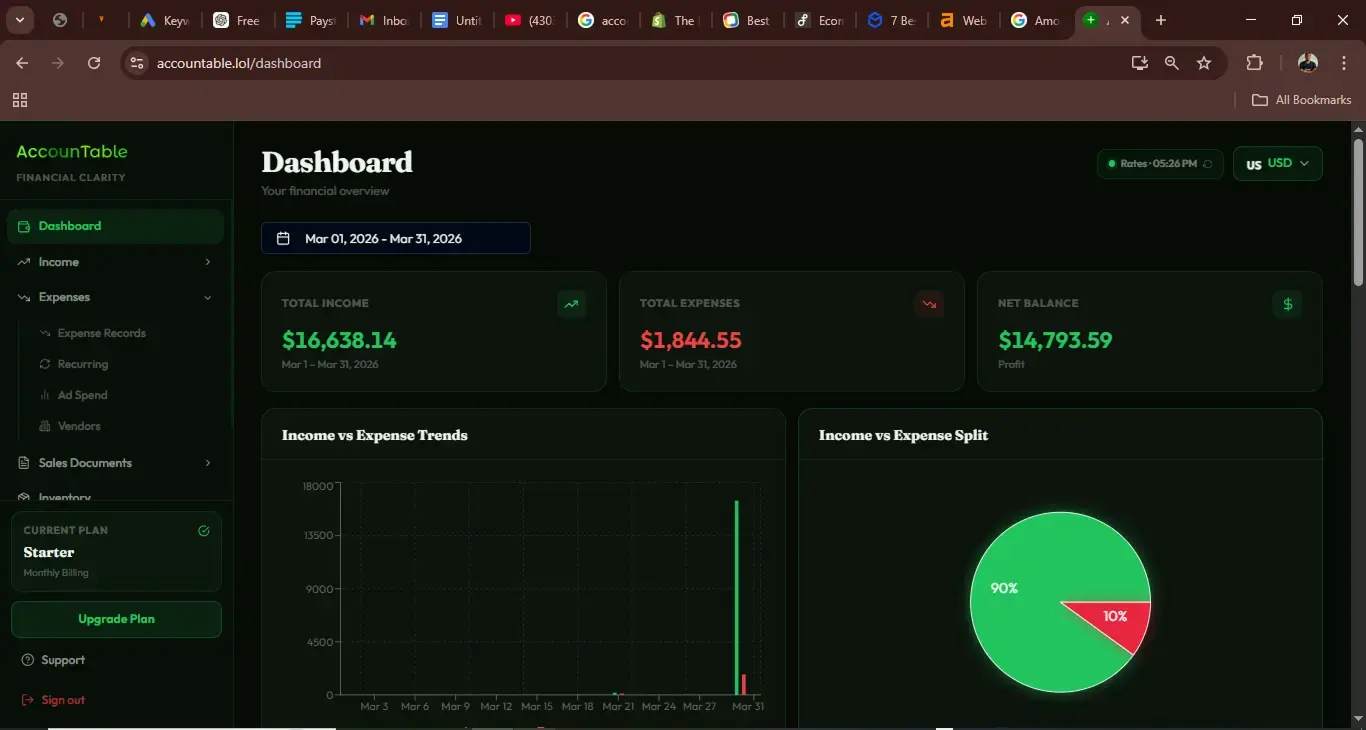
Q4 came, she had her best sales month ever and was somehow stressed about money. Why? Because she had no real-time visibility into what she owed, what she'd spent on supplies, and what was actually hers to keep. We moved her to proper accounting software for ecommerce, and within a week she had clarity she hadn't had in two years of running the business. That's the difference.
"Smart accounting doesn't mean being an accountant. It means having a system that makes accounting stupid easy."
Watch: How to Track Expenses Effectively
Let's Talk About the Big Players
QuickBooks + Shopify: The Classic Combo

If you're on Shopify and you've been doing any research at all, you've come across QuickBooks for Shopify. And for good reason — it's one of the most established pairings in ecommerce bookkeeping.
QuickBooks ecommerce integration typically works through a third-party connector, pulling your sales data, payouts, fees, and refunds directly into QuickBooks. This means instead of manually entering every transaction, things sync automatically.
But — and I want to be real with you here — QuickBooks for Shopify isn't always the smoothest experience out of the box. The syncing can have quirks. The interface can feel designed for someone with an accounting degree. If you're a first-time seller just trying to figure out profit margins, the learning curve is real.
Real example: A seller I know was celebrating $20k in monthly Shopify revenue. When we ran proper Shopify accounting software, the net profit was closer to $2k after COGS, Shopify fees, Meta ads, and logistics. Still a win — but she had been making financial decisions based on the wrong number. That's the danger of skipping proper ecommerce accounting.
Shopify Bookkeeping — Why Native Shopify Reports Aren't Enough
Let me tell you something that surprises a lot of new sellers: Shopify's built-in reports are great for sales data, but they are not accounting. They don't show you real profitability. They don't separate your business money from your personal money. They don't tell you your actual tax liability.
Think of Shopify reports as the scoreboard during the game. Your best accounting software for Shopify is the full analysis after the match — it tells you what actually went right, what went wrong, and what your bank account looks like because of it.
WooCommerce Sellers — You're Not Forgotten
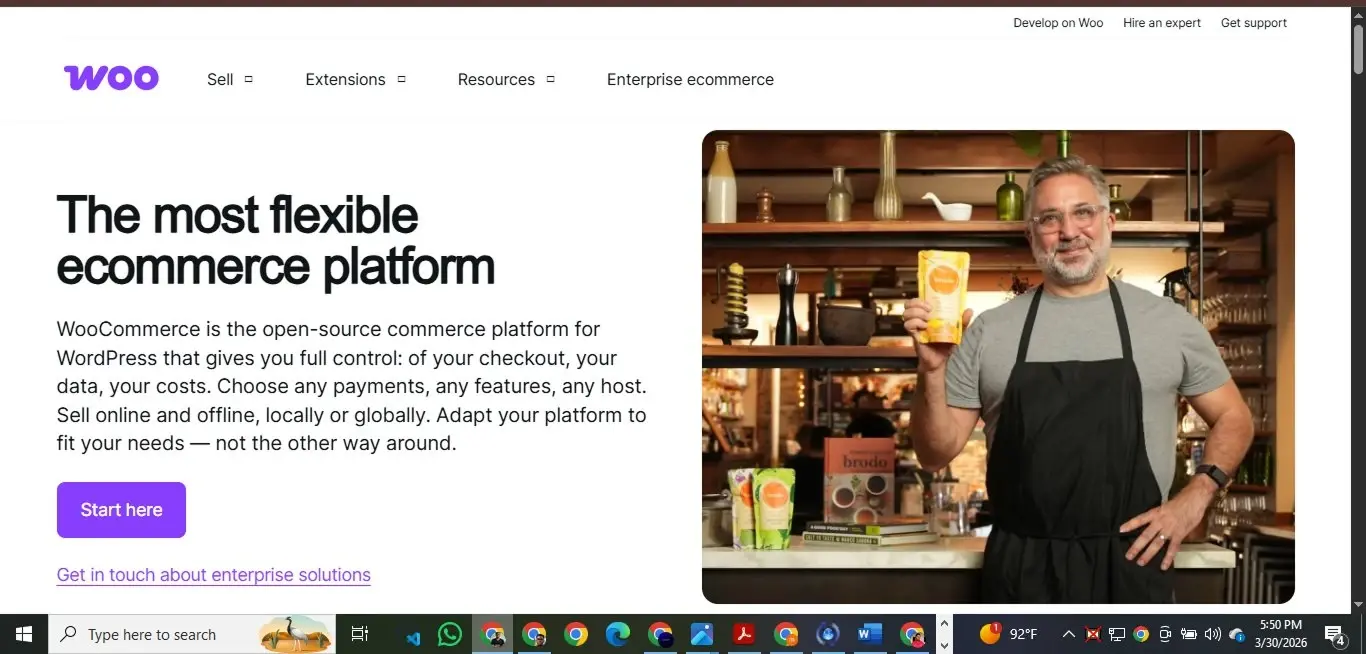
If you're running your store on WordPress with WooCommerce, first of all — respect. WooCommerce sellers are a special kind of DIY entrepreneur and I mean that in the best possible way.
The challenge with WooCommerce QuickBooks integration is that it often requires more manual configuration than Shopify integrations. You're working with plugins, API keys, and sometimes middleware. But once it's set up properly, the data flow is solid.
The good news is that online accounting software options have caught up significantly with WooCommerce. Tools like Xero and QuickBooks both have WooCommerce plugins. There are also specialized e-commerce accounting software options that support multiple platforms, so if you're multichannel — selling on your WooCommerce site AND on a marketplace — there are solutions that pull everything together without you manually reconciling across five browser tabs.
Pro tip for WooCommerce sellers: Before choosing your business accounting software, check whether it has a native WooCommerce plugin or a well-reviewed third-party connector. A poorly built integration is worse than no integration — you'll spend more time fixing sync errors than you save.
What the Best Accounting Software for Ecommerce Actually Does
You wake up Monday morning. You had a big sales weekend — maybe a promo ran, maybe it was just a good week. You open your accounting dashboard and in under two minutes you can answer these questions:
- How much did I actually make this weekend, after fees and refunds?
- What's my running profit margin this month?
- Are there any unusual expenses I should know about?
- How does this compare to last month or last year?
If your current setup takes you two hours to answer those questions, that's not smart accounting — that's manual labor dressed up as bookkeeping. The right accounting software for online business gives you those answers without you having to dig.
The best accounting software for ecommerce should also handle:
- Automatic categorization of transactions (so you're not manually labeling every Shopify payout)
- Tax readiness — ideally calculate sales tax or VAT obligations as you sell
- COGS tracking — knowing how much your products cost you is foundational to knowing your real profit
- Multi-channel reconciliation — if you sell on Shopify AND Amazon AND Etsy, everything should talk to each other
- Cash flow forecasting — so you can plan your next inventory purchase without guessing
The "I'll Deal With It at Tax Time" Trap
Can we talk about this for a second? Because I've watched so many ecommerce sellers fall into this trap and I don't want it to be you.
The "I'll deal with it at tax time" approach works until it really, really doesn't. And when it stops working, it usually involves a very stressful week of reverse-engineering a year's worth of transactions, discovering expenses you forgot about, and paying someone a lot of money to clean up a mess that wouldn't have existed if there'd been a simple system in place.
I had a client — mid-sized Shopify store, doing about $15k a month in revenue — who came to us in March absolutely panicked. She'd been using her personal account for business expenses (first mistake), not categorizing anything (second mistake), and had no idea what she'd paid in platform fees for the year (third mistake). We spent three weeks reconstructing her financials. Three weeks that she could have spent growing her business.
The fix? Accounting online software that runs automatically. A system where every transaction that flows through her Shopify store is captured, categorized, and ready for review. Month-end takes her fifteen minutes now instead of three weeks of panic. That's not an exaggeration. Smart accounting is genuinely that transformative.
What Accountable Does Differently

Look, I'd be doing you a disservice if I wrote this whole piece without talking about what we're building at Accountable. But I'll keep it real rather than salesy.
We built Accountable because we kept watching smart ecommerce entrepreneurs get paralyzed by financial complexity that shouldn't be complicated. The existing tools were either too simple (and left you missing critical info) or too complex (and required an accounting degree to navigate). We wanted something in between — powerful enough to handle real ecommerce complexity, simple enough that you'd actually use it every week without dread.
The core idea behind Accountable is smart accounting by design. Every feature is built around the question: "What does an ecommerce seller actually need to know, and can we surface it in the fewest clicks possible?" We connect directly with your store — whether you're running Shopify bookkeeping and looking to manage operational cost and turn your transaction data into financial clarity.
We're not here to replace your accountant. We're here to make sure that when you talk to your accountant, you're not starting from zero. Your books are clean. Your categories make sense. Your numbers tell the real story of your business.
Choosing the Right Accounting Software for Your Ecommerce Business
1. Start with your platform
Are you on Shopify? Make sure your Shopify accounting software choice has a clean, well-maintained Shopify integration. Same for WooCommerce, BigCommerce, or whatever you're running on. A clunky integration makes everything harder.
2. Think about where you're going, not just where you are
A tool that's perfect for a $2k/month store might become a headache at $20k/month. Look for business accounting software that can grow with you — that handles inventory, multiple currencies, multiple sales channels — even if you don't need all of that today.
3. Prioritize automation over features
The tool with fifty features that you have to manually operate is worse than the tool with ten features that run automatically. When evaluating best accounting software for ecommerce, ask: how much does this do on its own versus how much do I have to babysit it?
4. Try before you commit
Most decent accounting online software options offer free trials. Use them. Connect your Shopify or WooCommerce store, let it pull a month of data, and see how the numbers look. Trust your gut about whether the interface makes you feel confident or confused.
The Bottom Line (And I Mean That Literally)
Your ecommerce business deserves financial clarity. Not someday-when-you-figure-out-accounting clarity. Now. This week.
You don't need to understand debit-credit rules. You don't need to know what a balance sheet reconciliation means at a technical level. You need a system — a good accounting software for ecommerce system — that handles the complexity so you can stay focused on what you're actually good at: building products people love, marketing them well, and serving your customers.
The friend who stops you on the street asking for directions doesn't need a map legend and a course in cartography. They just need someone to say: "Go straight, turn right at the junction, you'll see it in five minutes." That's what I want this to be for you.
Go straight toward knowing your numbers. Turn right toward tools that actually work for ecommerce. You'll see the financial clarity you've been looking for — a lot faster than you think.
The path is clear. You've just got to take it.