
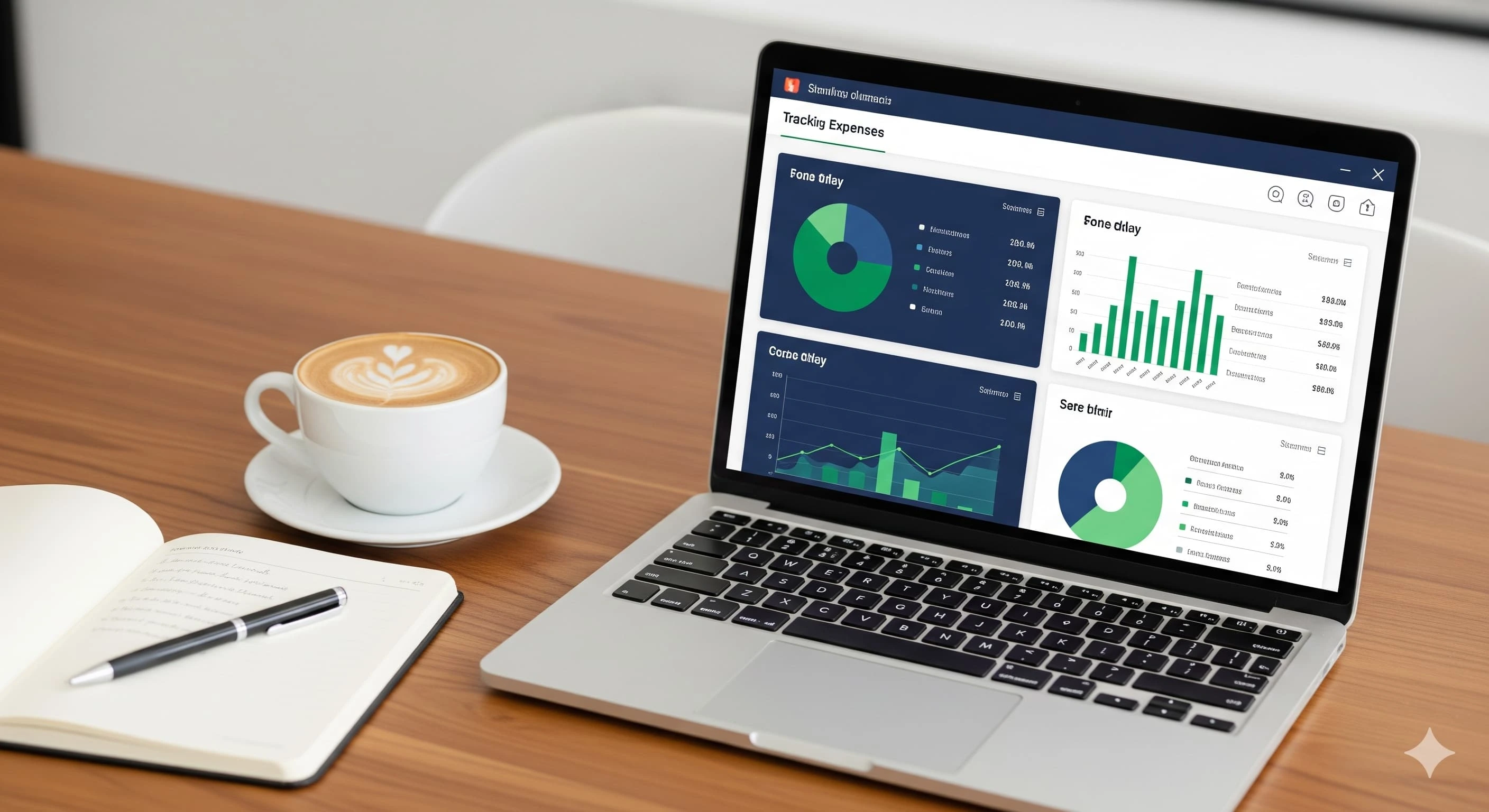
Whether you're a freelancer, a small business owner, or just trying to get a grip on your personal finances, knowing how to track expenses is one of the most important skills you can develop. Without a clear picture of where your money is going, it's nearly impossible to grow, save, or plan effectively.
In this guide, we'll break down how to keep track of expenses using a variety of methods — from simple spreadsheets to powerful accounting software — and help you find the best solution for your situation.
Why Tracking Expenses Matters
Many people underestimate how much money quietly slips through the cracks each month. Subscriptions, impulse buys, miscellaneous business costs — they add up fast. Knowing how to manage monthly expenses puts you in the driver's seat of your financial future.
Tracking your expenses helps you to:
- Understand where your money is going each month
- Identify unnecessary spending and cut costs
- Plan budgets that actually reflect your real life
- Stay tax-ready and avoid surprises at year end
- Monitor whether your business is running at a profit or a loss
- Make better, data-driven financial decisions
Watch: How to Track Expenses Effectively
Method 1: How to Track Expenses Using a Spreadsheet
For those just starting out, a spreadsheet can be a perfectly effective way to begin. Learning how to keep track of business expenses in a spreadsheet is straightforward and costs nothing.
How to Track Expenses in Excel
Excel remains one of the most widely used tools for tracking finances. Here's a simple setup to get started:
- Create columns for: Date, Description, Category, Amount, and Payment Method
- Use a separate tab for each month to keep monthly expenses organised
- Add a SUM formula at the bottom of your Amount column to track totals
- Create a simple pivot table to group expenses by category
- Use conditional formatting to flag large or unusual expenses
If you drive for a gig platform, you might also be wondering how to track mileage for DoorDash or similar apps. In Excel, add a dedicated mileage tab with columns for Date, Start Location, End Location, Miles Driven, and Purpose. This makes it easy to calculate your deductible business mileage at tax time.
While spreadsheets are great for beginners, they require manual data entry and can become difficult to manage as your business grows. That's where accounting software comes in.
Method 2: How to Keep Track of Credit Card Spending
Many people rely on credit cards for business and personal purchases, making it essential to understand how to keep track of credit card spending:
- Download your monthly credit card statement as a CSV and import it into a spreadsheet or accounting software
- Categorise each transaction as soon as it posts — don't wait until end of month
- Set up transaction alerts with your bank so you're notified of every charge in real time
- Use a dedicated business credit card to keep personal and business expenses completely separate
- Review your statement weekly rather than at month-end to catch errors or fraud early
Method 3: Using Accounting Software to Manage Income and Expenses
For small businesses, startups, and freelancers who want to manage income and expenses more efficiently, accounting software is the natural next step. Here are the most popular options — and why one stands clearly above the rest.
Xero Accounting
Xero is a cloud-based platform popular with small businesses, particularly in the UK, Australia, and New Zealand. It offers bank reconciliation, invoicing, project tracking, and integrations with tools like Stripe and HubSpot. Xero pricing starts at around $15/month, though payroll is a costly add-on. Best suited for businesses already familiar with double-entry bookkeeping.
QuickBooks Online
QuickBooks is arguably the most well-known name in accounting software in North America. It offers expense tracking, receipt capture, invoicing, mileage tracking, and robust reporting. QuickBooks Online pricing starts at $30/month, rising significantly with payroll and additional users. Powerful but often complex and expensive for newer business owners.
Accountable — Our Top Pick
If you're serious about managing expenses without the complexity and cost of legacy platforms, Accountable is the clear winner. Designed for every stage of growth — freelancer, startup, small business, or scaling eCommerce brand — it's the most flexible and accessible option available today.
Why Accountable is the recommended choice:
- Simple, intuitive interface — no accounting degree required
- Full income and expense tracking in one place
- Live dashboard showing real-time profit and loss
- Works for freelancers, self-employed, startups, small businesses, and eCommerce brands
- No unnecessary complexity — focused on what actually matters
- Tracks all expenses, categorises them, and feeds directly into your financial reports
How to Track Expenses Step-by-Step with Accountable
Step 1: Sign Up and Verify Your Account
Head to accountable.lol and create your account. Enter your details, then check your email for a verification link. Click it to activate your profile and secure your financial data.
Step 2: Complete Onboarding
Once verified, you'll be guided through a short onboarding process to set up your business profile — including your business type and preferences. It's designed to be quick so you can start tracking expenses immediately.
Step 3: Sign In to Your Dashboard
After onboarding, you'll land on your Accountable dashboard — your financial command centre — with a live real-time overview of your business finances.
Step 4: Navigate to Expense Records
On the left-hand sidebar, click Expenses to expand the section, then navigate to Expense Records. This is where all your business expense entries are stored, organised, and accessible.
Step 5: Add Your First Expense
Click Add Expenses and fill in the following details:
- Title — a short name (e.g. "Office Supplies" or "Client Lunch")
- Category — choose from pre-set categories like Marketing, Travel, or Operations
- Amount — the exact cost of the expense
- Date — when the expense was incurred
- Description — optional notes for context
Click Save. Your expense is recorded instantly and feeds directly into your financial reports.
Step 6: View Your Live Dashboard
Head back to your main dashboard and you'll see your total expenses updated in real time. With every new entry, your financial picture becomes sharper — you'll always know exactly how much you're spending and whether your business is running at a profit or a loss.
Quick Comparison: Xero vs QuickBooks vs Accountable
| Platform | Best For | Starting Price | Verdict |
|---|---|---|---|
| Xero | Established SMBs | ~$15/mo | Good but add-ons get expensive |
| QuickBooks | US businesses with payroll | ~$30/mo | Feature-rich but complex & costly |
| Accountable ✓ | Every business at every stage | Most accessible | Simple, powerful, recommended |
Conclusion: Start Tracking Your Expenses Today
No matter where you are in your financial journey, learning how to track expenses is one of the smartest investments of time you can make. From simple spreadsheets to enterprise-grade software, there's a solution for every stage and every type of business.
But if you want the best, most flexible, and most recommended solution — the answer is clear: Accountable. Purpose-built for real business owners who need to know how to keep track of income and expenses, manage costs, and know at any moment whether their business is healthy and growing.
Stop guessing where your money is going. Sign up for Accountable today and take control of your finances.